
Improved Access to Our E-Resources
We have recently changed the background system that provides access to our e-resources. We are now using OpenAthens.

You shouldn’t notice any difference when you log in. You will still see the same BMA login page and still enter the same username and password:
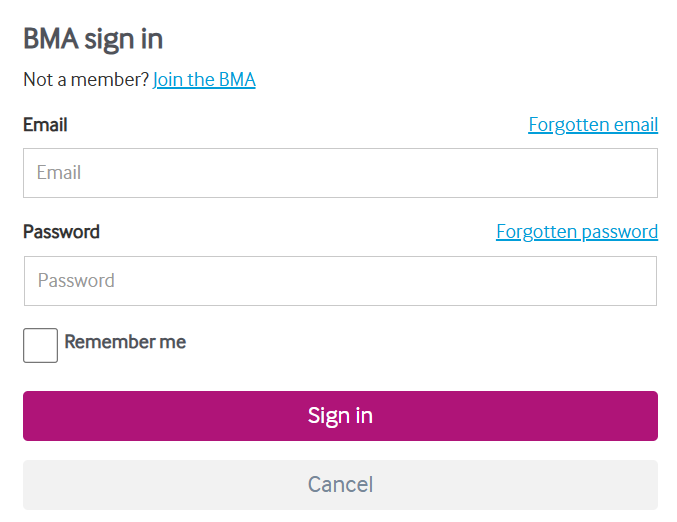
You may notice a more seamless experience such as when you search the online catalogue for a particular journal that is hosted on ClinicalKey, you will find that you will go straight through to the full text of the article. Also, if you are a regular user of ClinicalKey Student you will no longer need to keep logging into this platform. These and many other improvements are all thanks to OpenAthens.
The way BMA members access our e-resources hasn’t changed, via our online catalogue and the BMA website, these are still our recommended routes to resources as this will ensure you are seeing everything held in the BMA Library collection.
Via the catalogue you can search by article title or book/chapter title to quickly find and access a particular piece of content that you are looking for.
But you can now access platforms, that we have subscriptions with, directly. To login directly, to BMA subscribed content, on publishers sites, look for the OpenAthens login option on the platform’s website and search for The British Medical Association on the list of Institutions.
Access to the other online resources the BMA provides to members – for example the BMJ; Rota Checker; and Specialty Explorer – are handled separately and still require BMA members to access them via the usual route – logging in with their BMA website username and password. Please DON’T select the OpenAthens login option on the websites of any of these resources as this will not work.
If you have any comments or feedback about us using OpenAthens for providing access to our e-resources, please get in touch with us by sending an email to: bma-library@bma.org.uk
 BMA library and archive blog